PDFBEAR's Summarize PDF tool condenses even a 100-page document into a clear, structured summary in under a minute - Covering key conclusions, main arguments, and critical data points.
- AI-generated summaries cover the full document, not just the intro and conclusion
- Works on reports, academic papers, contracts, and textbook chapters
- Output is structured - Sections, bullet points, and key numbers preserved
- Premium feature with a 7-day free trial; no install, no watermark
A 100-page PDF shouldn't take 3 hours to understand. With PDFBEAR it takes 45 seconds.
The Real Cost of Reading Long PDFs in Full
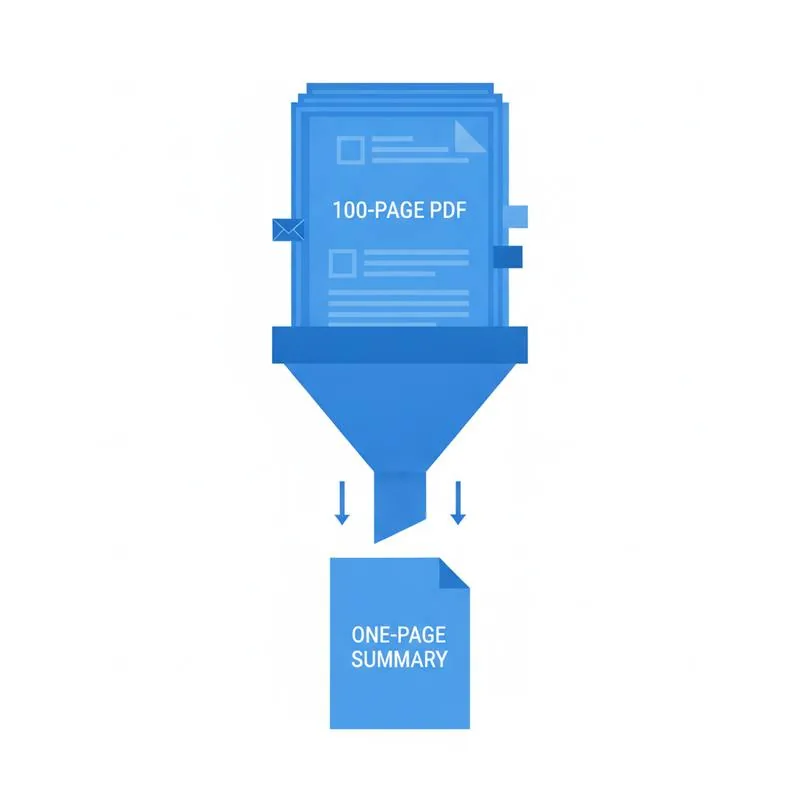
A 100-page academic paper at average reading speed takes roughly 3.5 hours. A 60-page corporate earnings report: about 2 hours. A 200-page government policy document: most of a working day. And for knowledge workers who receive dozens of these documents each month, thorough cover-to-cover reading isn't just slow - It's functionally impossible.
The traditional alternatives aren't much better. Reading only the abstract and conclusion misses critical data in the middle. Executive summaries are written by the document's author and reflect their bias about what matters. Asking a colleague to summarize adds a game of telephone. What you actually need is an objective, comprehensive condensation of the full document - In plain language, structured for rapid consumption.
That's exactly what Summarize PDF on PDFBEAR delivers. The AI reads every page, identifies the key arguments, extracts important figures and conclusions, and returns a structured summary you can act on immediately.
How Summarize PDF Processes a 100-Page Document
The process works differently from simple text truncation - A mistake many budget tools make by only reading the first and last few pages. PDFBEAR's AI processes the entire document in chunks, builds a semantic understanding of the content structure, and synthesizes across all sections. Here's what that means in practice:
- Introductory context (problem statement, background) is captured from early pages
- Methodology and evidence from the dense middle sections is retained, not skipped
- Quantitative findings - Specific percentages, dollar figures, dates - Are extracted verbatim
- Conclusions and recommendations from the final section are summarized clearly
The output isn't a single block of text. It's structured with headings, bullet points, and grouped findings - Formatted so you can scan it in 2 minutes and understand a document that would have taken hours.
Document Types and How Well Summarization Works on Each
Summarization performs best on structured, factual documents where the information hierarchy is clear - Research papers with defined sections, reports with headings, policy documents with numbered clauses. For scanned PDFs, run OCR PDF first to add a text layer; otherwise the summarizer has nothing to read.
Summarize PDF vs. Reading Just the Abstract and Conclusion
Most professionals who are "too busy to read the full paper" default to reading the abstract and skipping to the conclusion. This works roughly 60% of the time - But that 40% failure rate has real consequences. Here's what gets missed:
| What You're Looking For | Abstract + Conclusion Only | PDFBEAR Summarize PDF |
|---|---|---|
| Main argument / thesis | Usually covered | Covered |
| Specific data / statistics | Often omitted | Extracted verbatim |
| Caveats and limitations | Rarely in abstract | Included from body |
| Methodology details | Not in conclusion | Summarized from method section |
| Intermediate findings | Invisible | Synthesized from all sections |
The summary you get from Summarize PDF is functionally equivalent to having a subject-matter expert condense the document for you - But delivered in under a minute. For legal review, pair it with Chat with PDF afterwards to ask targeted follow-up questions on anything the summary flags as important.
Practical Workflows: How to Use Summaries Effectively
A summary is a starting point, not an endpoint. Here's how to build it into a real workflow:
Academic research triage.
When you have 15 papers to review for a literature review, run each through Summarize PDF first. Read the summaries to identify the 4–5 papers that are truly relevant, then read those in full. You've turned a 40-hour task into a 4-hour one.
Contract pre-review.
Before your lawyer reads a 90-page vendor agreement (at $400/hour), summarize it yourself first. Identify which sections need careful legal review and which are standard boilerplate. Brief your lawyer on the specific clauses that concern you. The summarize-then-annotate workflow can meaningfully reduce legal review hours.
Report briefings.
Need to brief your team on a 120-page industry report? Summarize it, then use the summary as the basis for your presentation. The AI handles the condensing; you handle the strategic interpretation.
Study preparation.
For textbook chapters or course readings, a summary gives you a skeleton you can annotate with your own notes during a closer read. It's not a replacement for studying - It's scaffolding. Combine with PDF Question Generator to turn that summary into study questions automatically.
Tips for Getting the Best Summary Quality
The AI summarizer works automatically, but a few habits improve output quality:
Start with a clean PDF.
Digitally-created PDFs (Word exports, PDFs from web browsers) give the best results. Scanned documents need OCR PDF preprocessing. Password-protected PDFs need Unlock PDF first.
For very long documents, consider splitting.
If you have a 500-page textbook but only need chapters 4–7 summarized, use Split PDF to extract those pages first. A focused 60-page input produces a more targeted summary than a diluted 500-page one.
Read the summary critically.
AI summarization is accurate but not infallible. Numbers and direct quotes from the summary should be spot-checked against the original before being cited or acted on. The summary tells you where to look - Verify before you rely.
Compare PDF tools
 Continue with Google