OCR PDF supports multiple languages - Quality is highest for Latin-alphabet languages with clean, high-resolution scans. For non-English documents you want in English, follow up with Translate PDF.
- OCR accuracy depends heavily on scan quality - Language is a secondary factor.
- Latin-alphabet languages (French, Spanish, German, Portuguese, Italian) perform nearly as well as English.
- Non-Latin scripts require specialised OCR models - Results vary significantly by language and scan quality.
- Translate PDF converts the recognised text into English (or other target languages) after OCR completes.
Clean scan first, then OCR - Language choice matters less than resolution and contrast. Add Translate PDF for a full English version of any foreign document.
Why Language Matters in OCR - And Why Scan Quality Matters More
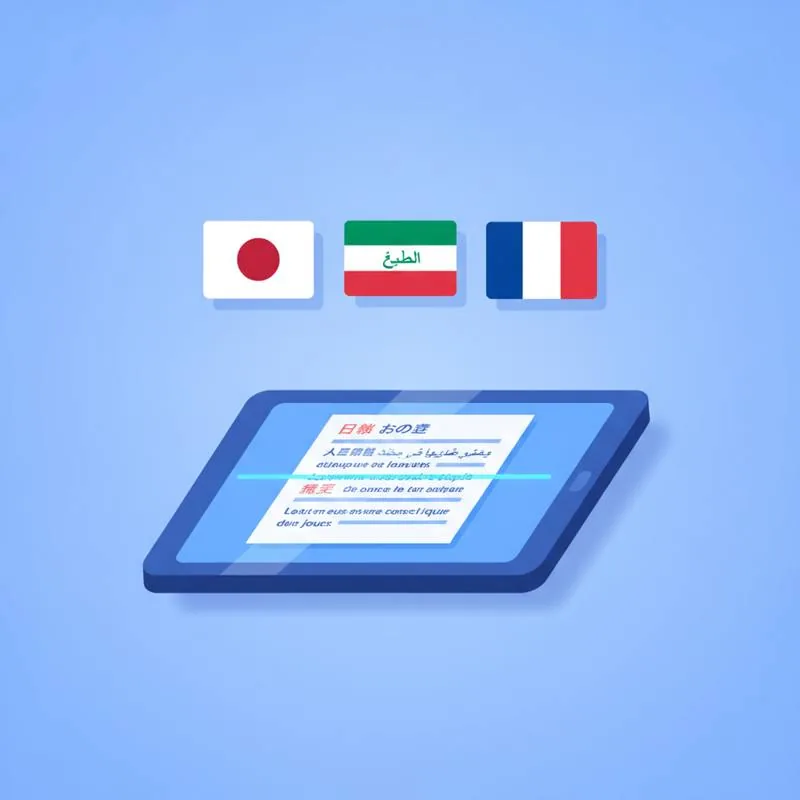
OCR engines are trained on large datasets of text in specific languages and scripts. An engine trained primarily on English will struggle with accented characters like é, ñ, ü, or ç, potentially replacing them with plain Latin equivalents (e, n, u, c) or misreading them as different characters entirely. Languages with more complex diacritical systems - Vietnamese, which uses multiple stacked accent marks per vowel, for example - See more significant accuracy drops when processed by a general-purpose English-centric engine.
However, the dominant factor in OCR accuracy is always scan quality. A poor-quality scan of an English document will produce worse output than a high-quality scan of a French or Spanish document, even with an English-only OCR model. Before adjusting any language settings, ensure you have the best possible scan: at least 300 DPI, straight pages, high contrast, no shadows. Improvements at the scan stage produce bigger accuracy gains than any language optimisation tweak.
Language Groups and Expected Accuracy
| Language Group | Examples | Expected OCR Accuracy* | Special Considerations |
|---|---|---|---|
| Latin-alphabet (Western) | French, Spanish, German, Italian, Portuguese | 95–99% | Diacritical marks need care |
| Latin-alphabet (Eastern European) | Polish, Czech, Hungarian, Romanian | 90–97% | More complex diacriticals |
| Cyrillic | Russian, Ukrainian, Bulgarian | 85–95% | Requires Cyrillic-capable engine |
| Arabic / Hebrew | Arabic, Hebrew, Farsi | 70–90% | Right-to-left; connected script |
| CJK (Logographic) | Chinese, Japanese, Korean | 75–92% | Thousands of unique characters |
*Accuracy figures assume clean, high-resolution scans of standard printed text. Handwritten text, low DPI, and faded ink reduce accuracy dramatically across all language groups.
Tips for Improving Accuracy on Non-English Documents
The most impactful steps you can take before running OCR on a foreign-language document are the same as for any document, but a few deserve special emphasis for non-English text. First, maximise resolution. Non-Latin characters - Whether the curving strokes of Arabic, the stroke-count-dependent shapes of Chinese, or the accent-heavy vowels of Vietnamese - Have more visual information per character than simple English letters. A higher DPI scan captures that extra detail. Aim for 400 DPI or above when scanning documents in scripts with complex character shapes.
Second, ensure even lighting with no shadows. Many foreign-language documents - Government forms, legal papers, bank statements - Are printed on coloured or tinted paper in the country of origin. Coloured backgrounds reduce the effective contrast of the text, making characters harder to distinguish from the background. If your original document has a light yellow or blue background, adjust your scanner's brightness and contrast settings to compensate: increase contrast and reduce brightness slightly to darken the text relative to the background.
Third, avoid decorative or non-standard fonts. Many official documents use stylised typefaces for headings or official stamps. These are the hardest elements to OCR accurately in any language. Focus your accuracy expectations on the body text of the document - Numeric figures (amounts, dates, identification numbers) and standard body font text - Rather than fancy headings or rubber-stamp text, which often requires manual review regardless of language.
The Translate PDF Step: Getting English Output From Any Language
Once you have run OCR on a foreign-language document and downloaded the searchable PDF, you may want an English version for internal use, filing, or sharing with English-speaking colleagues. Translate PDF on PDFBEAR takes the text layer from your searchable PDF and produces an English-translated version. The translation is machine-generated and preserves approximate formatting - Paragraphs, headings, and table structures - Which makes the result much more readable than a raw copy-paste into a translation service.
Translation quality is best for continuous prose in standard registers - Business letters, contracts, news articles, academic papers. It is less reliable for highly specialised technical or legal terminology, poetry, or documents that rely on cultural idioms. For legally binding translated documents - Immigration paperwork, court filings, certified translations - Always have the machine translation reviewed by a qualified human translator. PDFBEAR's translation is a tool for understanding and working with foreign documents, not a replacement for certified translation services.
Practical Workflow: Processing a Spanish Contract
Here is a real-world example: you receive a scanned PDF of a supplier contract written in Spanish. You need to understand its content and file a searchable copy. Step 1 - Upload the scanned PDF to OCR PDF and download the searchable Spanish PDF. Open it in your viewer and confirm that Ctrl+F finds Spanish words correctly - Search for common words like "contrato" (contract) or "pago" (payment). Step 2 - Upload that searchable Spanish PDF to Translate PDF and select English as the target language. Download the translated PDF. Step 3 - Review the translated version for any terms that look machine-generated or awkward. For key financial figures and names, cross-reference with the original Spanish to confirm accuracy. Store both versions: the searchable Spanish original as the authoritative document and the English translation as your working reference.
Compare PDF tools
 Continue with Google