
The Scan Format Almost Nobody Can Open
TIFF has been the quiet workhorse of scanners, fax machines, and pro cameras for decades. It holds a lot of detail and handles multi-page documents well, which is why archives and offices love it. The catch is simple: most phones, email apps, and web browsers will not open a TIFF cleanly. So a perfect scan ends up stuck on one machine.
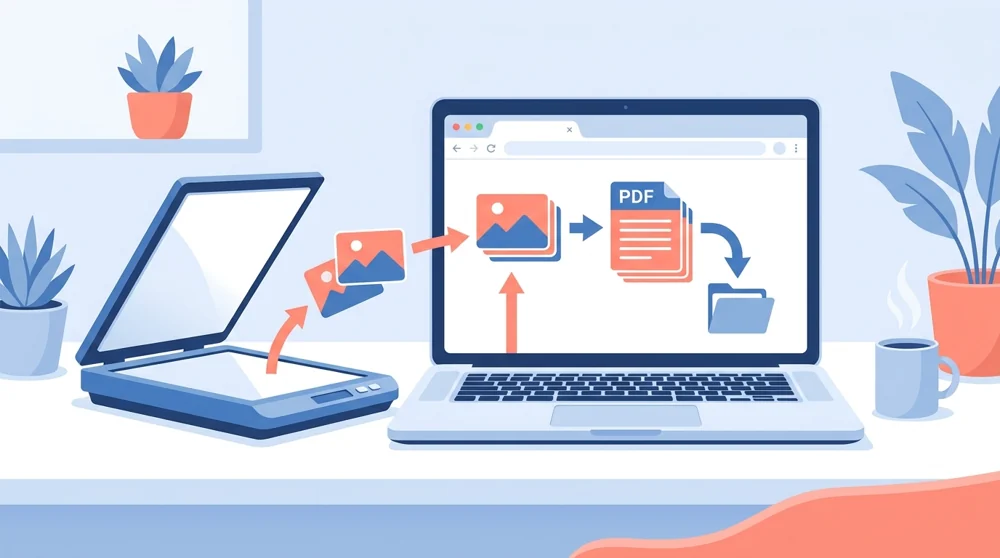
Putting that TIFF into a PDF fixes the everyday problem. A PDF opens the same way on a Windows laptop, a Mac, an Android phone, or an iPhone. You can attach it to an email, drop it in a shared folder, or upload it to a form without anyone asking what a TIFF is.
max file size per upload
free, no signup needed
to a shareable PDF
TIFF vs PDF at a glance
| You want to | TIFF | |
|---|---|---|
| Open it anywhere | Hard | Easy |
| Email or share it | Tricky | Simple |
| Keep scan quality | Great | Great |
| Combine many pages | Yes | Yes |
The good news is you lose nothing in the swap. Our converter keeps your scan sharp, so fine print and detail stay clear inside the PDF. If your images come from a phone or camera instead, our JPG to PDF tool handles those just as smoothly, and you can go the other way with PDF to JPG when you need pictures back.
If you are digitizing paper documents from a scanner or your phone camera, pair this with our scan to pdf tool to capture and convert in one flow. Files travel over secure HTTPS and are processed automatically with no human review. They are saved to your private file manager; free-account files are removed 30 days after their last activity, and you can delete them sooner.
TIFF Quality Tips Before You Convert
For multi-page TIFFs, check the page order and rotation before uploading because the finished PDF will keep that sequence. High-resolution archival scans can create very large files, especially when they are full color. If you are sending the PDF by email, create a practical sharing copy and keep the original TIFF as your preservation master.
Black-and-white fax TIFFs usually stay small, while color scans and photos can push toward the 50 MB limit. If the file is too large, reduce the scan resolution or split the document into smaller batches first. If the TIFF contains scanned text you need to search later, convert it to PDF first, then run OCR PDF so names, invoice numbers, and clauses can be found and copied.
Use this tool when the source is a scanner or fax file. Use JPG to PDF for camera photos, PNG to PDF for screenshots or crisp graphics, and PDF to JPG or PDF to PNG when you need whole PDF pages rendered back into images.
Working with a folder of single-page scans? Here is how to combine multi-page TIFF scans into one PDF - color archival scans are also the classic case of why scanned files balloon in size.
 Continue with Google