
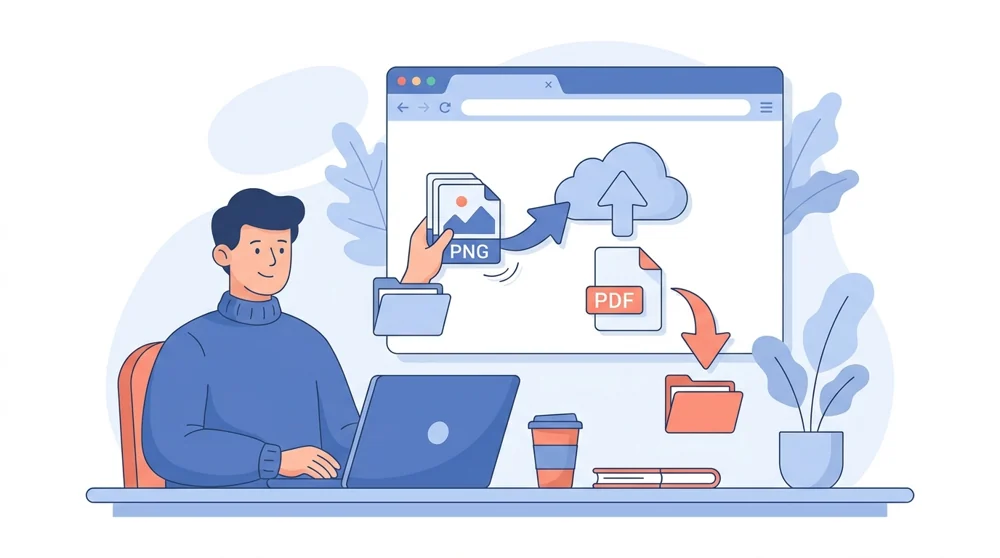
When a PNG just will not behave
PNG is a wonderful image format. It keeps sharp edges crisp, handles screenshots and logos cleanly, and supports transparent backgrounds. But the moment you need to send a PNG to someone else, the cracks show. Loose images scatter across an inbox, open in random order, and print at sizes nobody asked for. Wrapping them in a PDF quietly fixes all of that. Here is where folks reach for this tool most:
- Screenshots for a bug report or how-to guide, where one ordered file reads far better than eight separate attachments.
- A logo or design proof, so the client sees it framed on a clean page instead of squinting at a raw image.
- Scanned forms or receipts, kept together so nothing goes missing in a long email thread.
- A quick portfolio, where several images read as a sequence rather than a pile of files.
The common thread is order and containment. One PDF travels better than many PNGs, prints in a predictable shape, and cannot lose a page along the way.
The broader guide to convert images to PDF compares every image route.
Your quality stays, and so does your privacy
Files travel over secure HTTPS and are processed automatically with no human review. They are saved to your private file manager; free-account files are removed 30 days after their last activity, and you can delete them sooner.
Screenshots live or die by crisp edges, and PNG keeps them crisp. Conversion places every image on its page pixel for pixel - no re-compression, no added logo. Your PNGs go in at the resolution you uploaded and come out looking like themselves, just bound into pages. Files travel over secure HTTPS and are processed automatically with no human review. They are saved to your private file manager; free-account files are removed 30 days after their last activity, and you can delete them sooner.
Once your images are a PDF, the rest of your toolkit is right beside you. If a batch of high-resolution screenshots ends up too heavy for email, a quick pass through Compress PDF trims it down without you nudging quality sliders by hand. Need to fold these pages into a bigger document? Merge PDF joins them in the order you choose. Working with photos instead of graphics? JPG to PDF handles those the same way. And if you ever want the pictures back out as separate files, PDF to PNG walks the whole thing in reverse.
Screenshots too heavy before you even convert? You can compress a PNG online first, or resize a PNG if dimensions are the problem rather than weight.
 Continue with Google