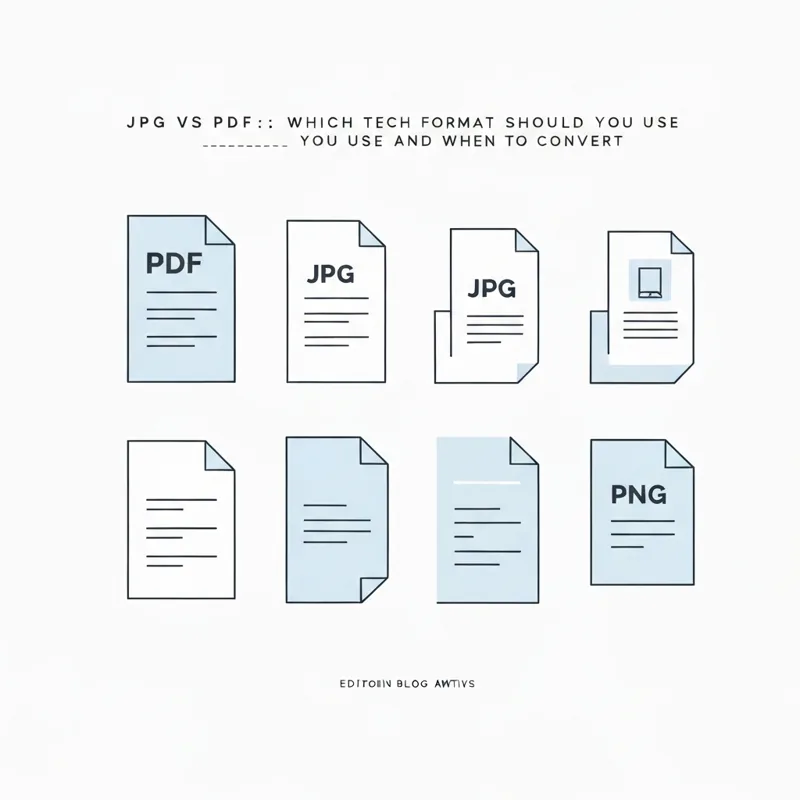
JPG is great for a single photo. PDF is better when you need to send, print, or combine images that should look the same everywhere. Convert when sharing or printing matters.
- JPG holds one picture, PDF can hold many pages.
- PDF looks identical on every device and printer.
- Send documents and multi-image sets as PDF, keep social photos as JPG.
- Converting JPG to PDF is free and takes seconds.
Photo to keep, JPG. Document to share, PDF.
What JPG and PDF actually are
These two formats get mixed up all the time, but they do different jobs. A JPG is a single image file. It holds one picture, like a photo from your phone or a screenshot. A PDF is a document file. It can hold one page or two hundred, and it locks the layout so it looks the same on any screen.
Think of it this way: JPG is a photo, PDF is the album that the photo can live inside. When you need more than a lone picture, that is the moment a quick trip through JPG to PDF earns its keep.
When JPG is the right choice
JPG is not the enemy. It is the better pick in plenty of cases:
- Posting a single photo to social media or a chat.
- Using an image on a website where small file size matters.
- Sharing one quick screenshot with a friend.
For these, a JPG is light, fast, and works everywhere. There is no reason to convert. If you ever need to pull an image back out of a document, PDF to JPG does the reverse.
When PDF wins
The trouble with JPG starts the moment you have more than one image, or you need something to look official. PDF solves three problems that JPG cannot:
- Many images, one file. A PDF turns ten photos into one tidy attachment instead of ten loose ones.
- The look never shifts. A PDF prints and opens exactly as you saved it, with no cropping surprises.
- It feels like a real document. Receipts, contracts, and applications simply look more trustworthy as a PDF.
So if you are sending a job application photo, a set of receipts, or a scanned form, the answer is clear. Run it through JPG to PDF first. The same logic covers other images too, which is why PNG to PDF and TIFF to PDF exist.
The moments it pays to convert
Here are the everyday signals that it is time to switch a JPG into a PDF:
- You are emailing more than one image at once.
- Someone asked you to send a document, not a photo.
- You need to print pages in a fixed order.
- You want to add a password or page numbers later.
After you convert, you can polish the file in a few clicks. Shrink it with Compress PDF, lock it with Protect PDF, or reorder pages in Organize PDF. For documents that started as Word or Excel files, our PDF Converter handles the rest.
A simple rule to remember
You do not need to overthink this. Keep a single photo you just want to view or post as a JPG. The minute that image needs to be shared as a document, combined with others, or printed cleanly, turn it into a PDF. The free, browser-based JPG to PDF tool makes that switch in seconds, stays under a 50 MB limit, and auto-deletes your files afterward. Pick the format that fits the job, and let the tool handle the heavy lifting.
Compare PDF tools
 Continue with Google