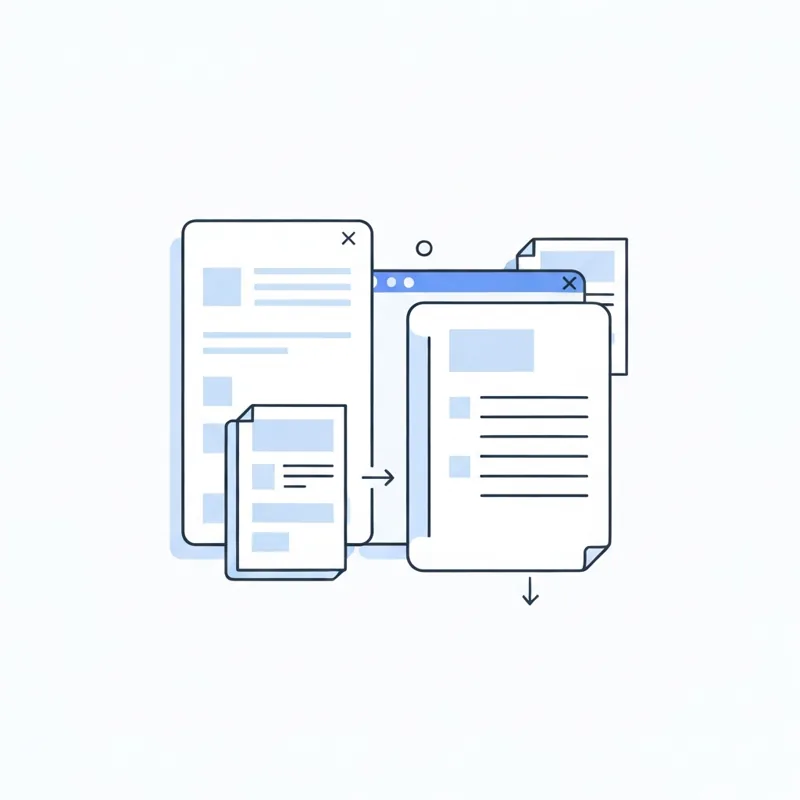
Merge PDF and combine PDF mean the same thing: joining two or more PDFs into one file. The words are just different labels for the identical task.
- Merge and combine both produce one document from many.
- The word changes by app, but the result does not.
- Watch for related terms like split, append, and organize.
- One free tool handles the job no matter what you call it.
Same job, two names. Pick either and start joining.
Short answer: they are the same thing
If you have searched both "merge PDF" and "combine PDF" and wondered which one you actually need, relax. They describe the exact same action: taking several PDF files and turning them into one. Some software writers say merge, others say combine, and a few say join. The button might be labeled differently, but the outcome is one tidy document. You can do it for free with the Merge PDF tool, no matter which word brought you here.
Why two words for one task?
The split in wording is mostly habit. Big design programs leaned on "combine," while many web tools and email clients used "merge." Over the years both stuck, so today you see them used side by side. There is no hidden technical line between them. When a tool says combine, it merges. When it says merge, it combines.
Words that are NOT the same
A few terms sound related but do something different, so it helps to know them.
- Split: the opposite of merging. It breaks one PDF into pieces with Split PDF.
- Organize: rearranging pages inside a single file using Organize PDF, not joining separate files.
- Compress: shrinking a file size with Compress PDF, which leaves the page count alone.
So if your goal is to end up with one file made of many, merge and combine are your words. The rest are different jobs.
How to combine PDFs no matter the label
The steps are the same whatever the tool calls it.
- Open the Merge PDF tool in your browser.
- Add the files you want to join.
- Drag them into the order you want.
- Click to combine, then download the single result.
That is it. The tool works in any browser, accepts files up to 50 MB each, and deletes them automatically once the job is done.
When your sources are mixed file types
Often the things you want to combine are not all PDFs. A picture, a slide deck, and a document can still become one PDF. Turn the deck into a PDF with PPT to PDF, the image with PNG to PDF, and a quick text note with TXT to PDF. Once each piece is a PDF, merging them together is one easy step.
Does the wording change the quality?
No. Whether a tool says merge or combine, your text stays sharp, your images stay clear, and your page order is preserved. The label is marketing, not a feature. If you later want to pull a section back out, you can always reach for Split PDF. Nothing about the word merge or combine locks you in.
Merge or combine, the result is one clean PDF
So merge PDF vs combine PDF is a difference of vocabulary, not of action. Both leave you with a single, well-ordered document. Stop second-guessing the wording and just open the Merge PDF tool, drop in your files, and let it do the work. The name on the button does not matter. The clean result does.
Compare PDF tools
 Continue with Google