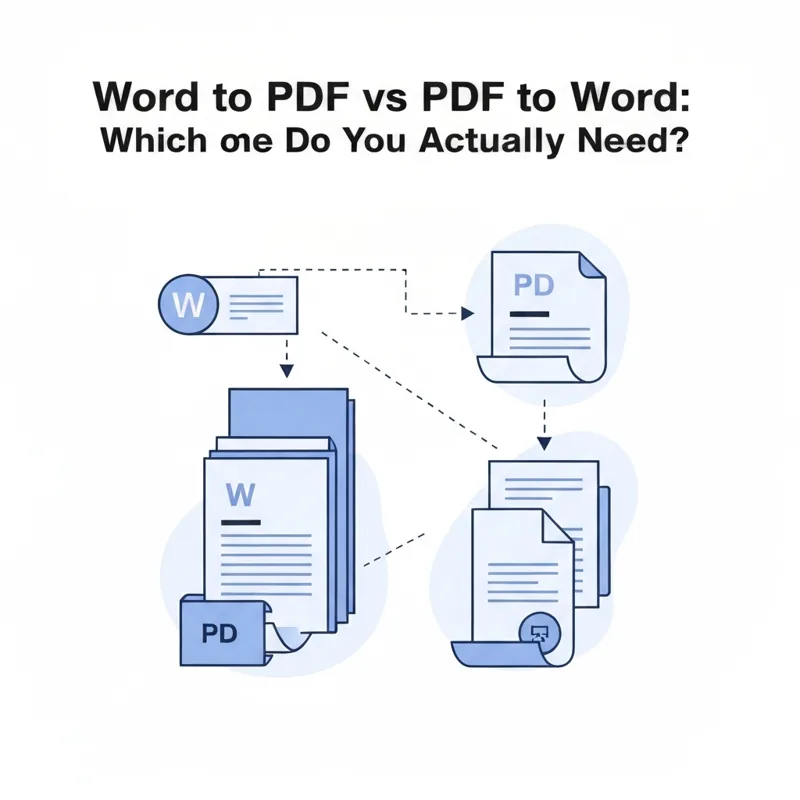
Convert Word to PDF when you want to share or print something final. Convert PDF to Word when you need to edit text someone sent you.
- Word to PDF locks the file so it looks the same everywhere.
- PDF to Word unlocks the text so you can change it.
- Sending, printing, or signing? Choose Word to PDF.
- Editing a received PDF? Choose PDF to Word.
PDF to finish, Word to fix.
The Difference in One Sentence
Word documents are for writing and editing. PDFs are for sharing and finishing. Word to PDF freezes your work so it looks identical on any screen or printer. PDF to Word melts a frozen file back into something you can type into again. That is the whole idea, and once it clicks, the choice gets easy.
When You Want Word to PDF
Pick this direction when the document is done and you just want it to behave. A PDF will not shift fonts on someone else's laptop, it prints cleanly, and most people cannot accidentally change it. Reach for Word to PDF when you are about to:
- Email a resume, invoice, or proposal that must look polished.
- Send something to a printer or a print shop.
- Attach a contract you plan to sign with eSign PDF.
- Post a document online where strangers should not edit it.
It is a tidy way to say "this is final, please do not touch it."
A Quick Real-World Example
Say you finished a cover letter. You do not want a hiring manager opening it and seeing your bullet points wander. Run it through Word to PDF, attach the PDF, and it arrives looking exactly like it did on your screen.
When You Want PDF to Word
Now flip it. Someone sends you a PDF and asks for changes, or you need to reuse a few paragraphs from an old report. You cannot type freely into a PDF, so you convert it the other way. Use PDF to Word when you need to:
- Edit text in a document you did not create.
- Update a price, date, or name in an old PDF.
- Copy long sections of text without retyping them.
- Reformat a file for a new purpose.
After you edit it in Word, you will often convert it right back to PDF to send the finished version. That round trip, PDF to Word and Word to PDF, is one of the most common workflows there is.
What If It Is a Spreadsheet or Slideshow?
The same logic applies to other file types. If your PDF started life as a spreadsheet, PDF to Excel brings the numbers back into editable cells. If it was a deck, PDF to PPT rebuilds the slides. And if you simply want the raw words with no layout, PDF to Text strips it down to plain text.
How to Decide Fast, Every Time
Here is the shortcut. Ask one question: am I finishing this, or fixing it? If you are finishing, sending, or printing, you want Word to PDF. If you are fixing or editing something someone gave you, you want PDF to Word. Both tools are free, run right in your browser with a 50 MB limit, and delete your files automatically after conversion, so you can try either one without a second thought. The direction you need is really just the answer to that single question.
Compare PDF tools
 Continue with Google