For email attachments, keep PDFs under 10MB; for web pages, aim for under 1MB. A few simple compression steps can get almost any PDF into those ranges without visible quality loss.
- Gmail allows up to 25MB per email, but anything over 5–10MB annoys recipients on slow connections
- Web-embedded PDFs should target under 500KB for fast load times and good Core Web Vitals scores
- Image-heavy PDFs can be reduced by 60–80% by resampling embedded images to 150 DPI
- PDFBEAR's Compress PDF tool handles this in seconds - No software to install
Knowing the right target size before you compress means you compress once, not five times.
Why PDF File Size Matters More Than You Think
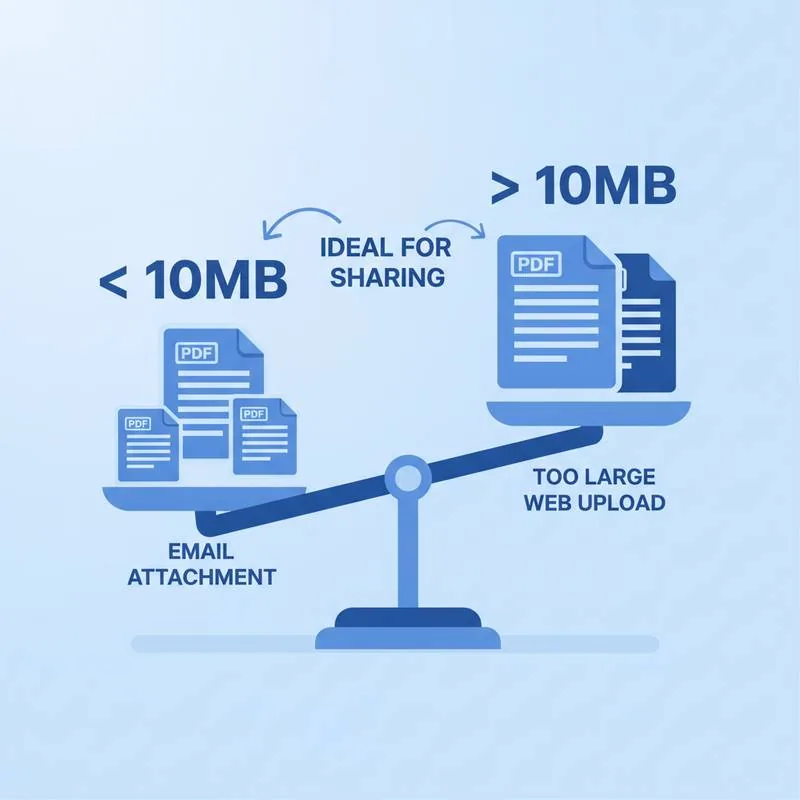
A PDF that opens fine on your desktop can cause real friction the moment you try to share it. Email servers reject attachments that exceed their size caps. Mobile data users on the receiving end burn through their data plan downloading a bloated brochure. And a PDF embedded in a web page that weighs 8MB can push your page's loading time past Google's recommended thresholds, hurting both user experience and search rankings.
The good news is that most PDFs are larger than they need to be. Understanding the unofficial size expectations for different channels - And knowing how to hit them - Means your documents arrive, load, and impress instead of frustrating.
Email Attachment Limits by Provider
Every email provider enforces a maximum attachment size, but those hard limits are not the same as "comfortable" limits. A 24.9MB file may technically fit within Gmail's 25MB cap, yet it will time out for recipients on corporate mail servers with a 10MB policy, or fail to reach someone checking email on a mobile connection.
| Email Service | Hard Limit | Recommended Safe Max |
|---|---|---|
| Gmail | 25 MB | 10 MB |
| Outlook / Hotmail | 20 MB | 8 MB |
| Yahoo Mail | 25 MB | 10 MB |
| Apple Mail (iCloud) | 20 MB | 8 MB |
| Corporate mail servers | 10–15 MB (varies) | 5 MB |
| WhatsApp document | 100 MB | 20 MB |
The "recommended safe max" column accounts for corporate relay servers that may compress or re-evaluate attachments mid-transit, and for recipients who might forward the email (which can cause the message to exceed limits down the chain).
Ideal PDF File Size for the Web
When you embed a PDF in a website - Whether it is a product brochure, a terms document, or a downloadable guide - The file has to load in a browser. Google's Core Web Vitals framework penalizes pages with slow load times, and a large embedded PDF is one of the fastest ways to tank your Largest Contentful Paint (LCP) score.
For a typical text-heavy PDF like a white paper or policy document, 200–400KB is very achievable. For a design-rich brochure with full-colour photography, 500KB–1MB is a realistic and acceptable target. Anything above 2MB warrants a compression pass before publishing.
What Actually Makes a PDF Large?
Before you compress, it helps to know what is eating the file size. PDFs can store several types of data simultaneously, and not all of them are obvious.
High-resolution embedded images are the number-one culprit. A PDF exported from Adobe InDesign for print might embed photos at 300 DPI or higher. For screen reading and general sharing, 96–150 DPI is indistinguishable in quality. Resampling those images down accounts for the vast majority of savings in most files. If you need to work with the images individually, Extract Images from PDF lets you pull them out in their original resolution before re-optimising.
Embedded fonts add weight. If a document uses an unusual typeface, the full font data is bundled inside the PDF so it renders correctly on any device. A single decorative font can add 200–500KB to a file.
Revision history and form data can linger inside the file even after you think you have saved a final clean copy. Some PDF authoring tools store multiple "snapshots" of the document, all of which inflate the file. Running your PDF through Flatten PDF before sharing collapses those layers into a single clean page and often delivers a noticeable size reduction on its own.
Embedded colour profiles (ICC profiles) are used for print colour accuracy but are unnecessary for screen distribution.
How to Hit Your Target Size With PDFBEAR
PDFBEAR's Compress PDF tool applies lossless restructuring first, then optionally resamples embedded images - The single most effective step for image-heavy files. Here is a straightforward workflow:
Simply upload your file, select the "Recommended" quality setting (which targets web/email sharing), and download the result. For a document that must hit a specific size cap - Say a job portal that only accepts files under 2MB - Try "High Compression" and check whether the quality still meets your needs. If compression alone cannot get there, Split PDF lets you divide the document into smaller sections and upload them separately. Or remove pages from the PDF the recipient does not need. Everything runs in your browser over HTTPS; PDFBEAR never looks at your file content, and free files are automatically removed after 14 days of inactivity. If the document uses oversized page dimensions, normalising them with Resize PDF before compressing helps the images resample to sensible sizes.
Quick Reference: Target Sizes by Use Case
To summarise, here are the practical targets to aim for before sending or publishing a PDF:
| Use Case | Target Size | Key Setting |
|---|---|---|
| Email to a colleague | < 10 MB | Recommended |
| Email to a client or corporate address | < 5 MB | Recommended or High |
| WhatsApp / Telegram document | < 20 MB | Recommended |
| Web page embed (brochure) | < 1 MB | High |
| Web page embed (data table or text doc) | < 300 KB | High |
| Job application portal upload | < 2 MB (check portal) | Recommended |
| Archive or print-quality storage | No limit | Skip compression |
Using these targets as your benchmark means you know exactly when to reach for Compress PDF and when to skip the step entirely. You will spend less time second-guessing and less time re-sending rejected attachments. For documents that are simply too large for any email attachment limit, use Share Document to generate a direct download link instead - No inbox size limits, no forwarding problems.
Compare PDF tools
 Continue with Google