Overlay-only redaction is dangerously fake - The hidden text is still there and anyone can copy-paste it. Proper redaction burns the information out of the file permanently.
- Drawing a black box over text does NOT remove it - It just covers it visually
- SSNs, bank account numbers, and medical IDs hidden by overlay can be extracted in seconds
- PDFBEAR's redaction flattens and permanently removes the underlying data
- HIPAA and GDPR require permanent removal, not visual obscuring
One copy-paste of a "redacted" SSN can trigger a HIPAA breach - Use a tool that actually burns the data out.
The Overlay Trap: Why Most DIY Redaction Fails
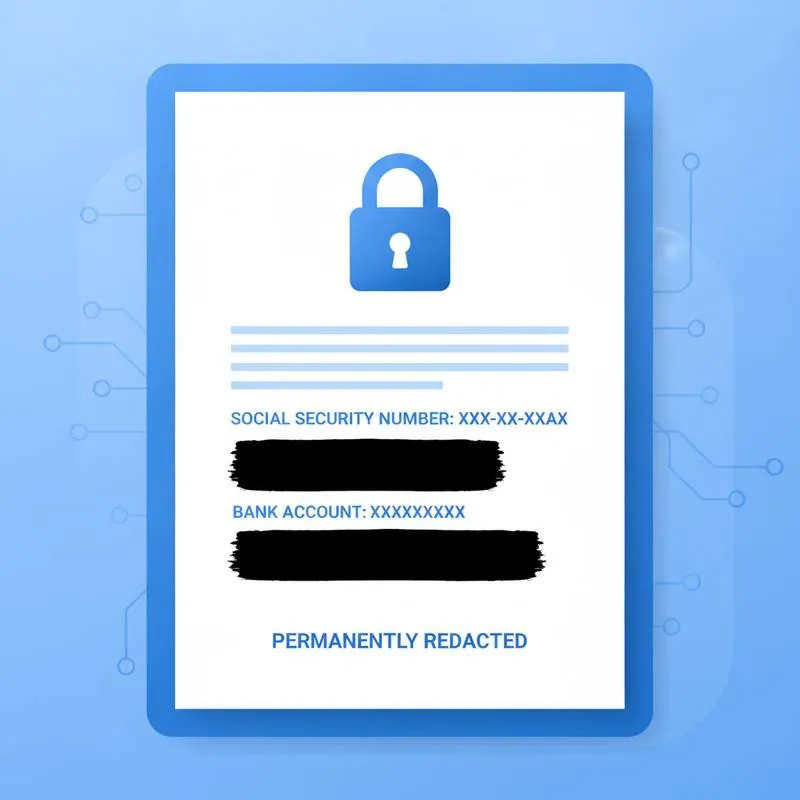
The most common redaction mistake is also the most dangerous: drawing a filled black rectangle over sensitive text in a PDF editor and calling it done. The text underneath is still encoded in the file. Anyone who receives the "redacted" document can select the covered area, press Ctrl+A or Cmd+A to select all, paste into a text editor, and read every Social Security number, account number, or patient ID you thought you had hidden.
This is not a theoretical attack. In 2008, the U.S. Department of Justice accidentally released court documents in which terrorist suspects' names were "redacted" with black boxes in Adobe Acrobat. Journalists extracted the names by copying the text layer within minutes of publication. The same technique works on any overlay-only redaction, regardless of which tool created it.
When you use Redact PDF on PDFBEAR, the selected regions are permanently removed from the underlying content stream before the file is re-rendered. There is no text layer left to extract because the data is gone, not covered.
What Information Is Highest Risk in a PDF
Not all content in a PDF carries the same regulatory and identity-theft risk. These categories deserve the most careful redaction:
HIPAA's Safe Harbor method requires removing 18 specific identifiers from health information before it can be shared without patient authorisation. GDPR Article 9 designates health data as a "special category" requiring explicit consent or a legal basis for processing. A visible-only redaction satisfies neither standard - Regulators and courts look at whether the data is technically inaccessible, not just visually obscured.
How Proper Redaction Works: Burning It In
True redaction is a three-step process at the file level:
- Mark the region. The user draws a redaction box over the content to remove.
- Apply and flatten. The tool removes the content stream data for that region - Text characters, image pixels, metadata - And replaces it with an opaque rectangle baked into the page raster.
- Re-render. The output PDF is generated fresh. There is no original content layer, no undo history, no XMP metadata retaining a prior value.
The output from PDFBEAR's Redact PDF tool is a flattened file. You can open it in any PDF viewer, try to select text in the redacted areas, and find nothing - Because nothing is there.
Real-World HIPAA and GDPR Breach Scenarios
Understanding the consequences of failed redaction makes the stakes concrete:
| Scenario | Overlay risk | Consequence |
|---|---|---|
| Law firm shares deposition with opposing counsel | Witness SSNs covered by overlay, extracted by opposing party | Possible sanctions, malpractice liability |
| Hospital emails discharge summary for second opinion | Patient MRN and diagnosis overlaid but readable | HIPAA breach report required; OCR fine up to $1.9 million per violation category |
| HR team shares payroll PDF for audit | Bank account numbers covered but extractable | GDPR Art. 83 fine up to €20 million or 4% of global turnover |
| Financial adviser sends client statement to third party | Partial account numbers visible after text extraction | GLBA violation, FTC enforcement action |
In each case, the organisation believed the document was properly redacted. The failure was not malicious - It was a misunderstanding of how PDFs store text. Regulators do not accept "we didn't know" as a defence once a breach is confirmed.
Step-by-Step: Redacting SSNs and Bank Details With PDFBEAR
Here is the complete workflow to permanently remove sensitive numbers from a PDF:
- Go to Redact PDF and upload your document. The file travels over HTTPS and is never seen by a human reviewer.
- Use the selection tool to draw boxes over every SSN, account number, routing number, or other identifier you need to remove. You can mark multiple regions per page.
- Optionally choose a replacement label such as
[REDACTED]or a solid fill colour. The label is rendered as a flat image element - It cannot be removed to reveal the original text. - Click Apply and download the output file. The original is deleted from PDFBEAR servers; the output is stored only until you download it or 14 days of inactivity pass, whichever comes first.
- Before sending, open the downloaded PDF, attempt to select text in the redacted zones, and paste into a text editor to confirm nothing is retrievable.
For particularly sensitive documents you can add an extra layer of protection after redacting: use Protect PDF to encrypt the file with a password so only the intended recipient can open it.
Metadata: The Hidden Data Source Most People Forget
PDF metadata can expose information even after the visible content is redacted. The document's Author field, Subject line, creation date, editing software version, and embedded XMP records may all contain fragments of sensitive data. When PDFBEAR re-renders a redacted PDF it strips the editing history and rebuilds document metadata, removing this secondary data channel. If you are sending a document externally, also use Edit PDF Metadata to review and clean the properties before distribution.
Who Needs This and When
Proper redaction is not just for compliance officers. Anyone sharing a PDF externally should think about what the recipient can see beyond the visible page:
- Legal professionals sharing discovery materials, deposition transcripts, or settlement agreements
- HR teams distributing payroll, benefits, or performance documents
- Healthcare providers forwarding patient records for referrals or second opinions
- Finance departments sending bank statements, invoices, or audit packages to third parties
- Individuals submitting identity documents for online applications where full details are not required
In every case, the standard is the same: use Redact PDF to permanently remove what should not be shared, then verify the output before sending. Overlay is not redaction - It is a false sense of security waiting to become a data breach.
Compare PDF tools
 Continue with Google