Real estate transactions generate more PDFs per deal than almost any other profession. The right PDF workflow cuts the paperwork time per transaction from hours to minutes - Without a scanner, printer, or desktop software.
- eSign PDF lets buyers and sellers sign listing agreements, offers, and disclosures on any device
- Merge PDF bundles offer packets (cover letter + pre-approval + ID) into one professional document
- Redact PDF removes sensitive buyer financial details before sharing with the seller's agent
- PDF forms work for fillable listing sheets, intake forms, and CMA templates
Real estate runs on paperwork - The agents who close faster are the ones with faster paperwork workflows.
The Real Estate PDF Problem
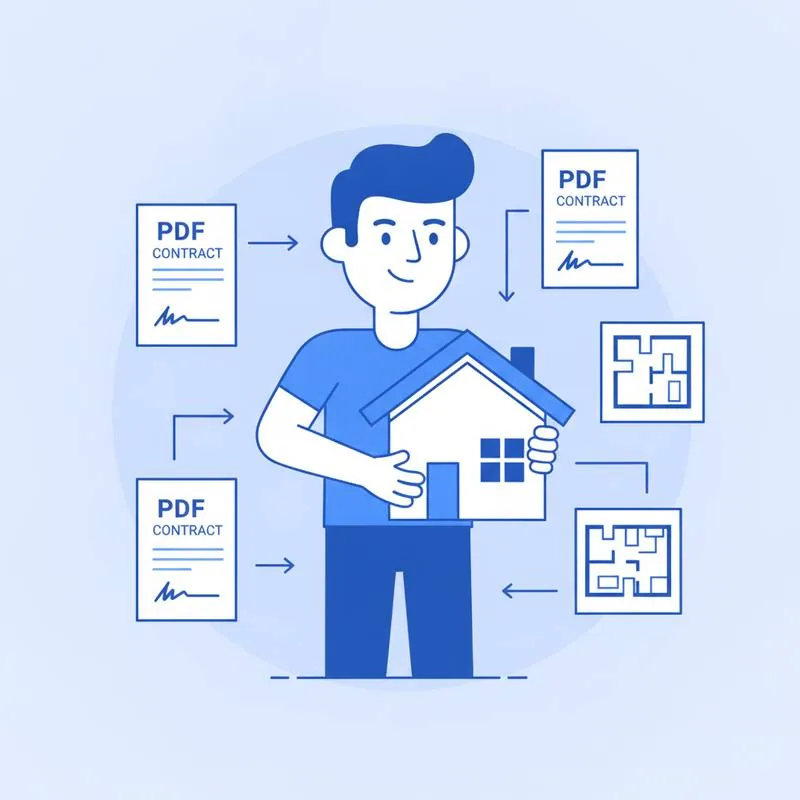
A typical residential transaction involves 80–100 pages of documents. Listing agreements, seller disclosures, offer letters, purchase contracts, addenda, loan documents, title reports, HOA forms, and closing statements - Every one of them is a PDF. And every one needs to be completed, signed, and routed to the right party at the right time.
Agents who handle this with print-scan-email workflows are losing 3–5 hours per transaction on paperwork alone. PDFBEAR's browser-based tools replace that process with workflows that take minutes, not hours - And work on any device at the property, in the car, or across time zones.
Workflow 1: Listing Agreements
A listing agreement needs to be signed before you can list a property. The traditional workflow: print the agreement, drive to the seller's house (or wait until they come to yours), have them sign in person, scan it, and file it. This adds a day or more to the listing timeline.
The PDFBEAR workflow:
- Fill in the listing details using PDF Forms - Property address, listing price, commission rate, expiration date - Directly in the browser
- Send to the seller via a share link or email
- Seller opens the link on their phone or laptop and signs using eSign PDF
- Countersign yourself and the listing agreement is complete - Same day, any location
This is especially valuable for out-of-town sellers managing properties remotely, or for last-minute listings where speed matters.
Workflow 2: Offer Packets
When submitting an offer on behalf of a buyer, the packet typically includes: the cover letter, the offer/purchase agreement, the pre-approval letter from the lender, and sometimes a copy of the buyer's ID or proof of funds. Sending these as four separate email attachments looks disorganised and increases the chance that the listing agent misses something critical.
The PDFBEAR workflow:
- Prepare each document as a PDF
- Use Merge PDF to combine them in logical order: cover letter first, offer second, pre-approval third, supporting docs last
- Send the single merged PDF to the listing agent
A single, professionally organised PDF communicates competence. In a multiple-offer situation, presentation matters at every level - Including the offer packet.
Workflow 3: Redacting Buyer Financial Information
When working with buyers, you often need to share their financial qualification documents - Bank statements, tax returns, proof of funds letters - With the seller's agent to demonstrate they can close the deal. But those same documents contain information the seller's agent has no legitimate need to see: full account numbers, routing numbers, transaction history, and sometimes Social Security Numbers.
PDFBEAR's Redact PDF tool lets you permanently remove selected content before sharing. Unlike "covering" text with a black box in a PDF editor (which can sometimes be removed by editing the PDF), PDFBEAR's redaction actually deletes the underlying text - The information is gone from the file.
What to redact in buyer financial documents:
- Full bank account numbers (leave the last 4 digits to identify the account)
- Routing numbers
- Social Security Numbers
- Transaction histories (keep only the balance/funds summary)
- Addresses that aren't relevant to the transaction
Workflow 4: Signing on a Tablet at the Property
One of the most useful applications of eSign PDF for real estate is getting signatures at the property itself. When a buyer walks through a home and is ready to make an offer on the spot, or when a seller has final questions about the listing agreement during a showing, waiting until everyone is back at a desk costs deals.
eSign PDF works on any mobile browser - No app to download, no account for the signer to create. You pull up the document on a tablet or phone, the client signs with their finger, and you have a signed document before you leave the property.
Time Savings Per Transaction
| Task | Traditional Workflow | PDFBEAR Workflow | Time Saved |
|---|---|---|---|
| Listing agreement signature | Drive to seller + scan: 1–3 hrs | eSign PDF: 10 min | 50–170 min |
| Assembling offer packet | Email 4 files, follow up: 30 min | Merge PDF: 5 min | 25 min |
| Redacting buyer financials | Manual edit or reprint: 30–60 min | Redact PDF: 5 min | 25–55 min |
| Counter-offer signature | Print/scan loop: 45–90 min | eSign PDF: 5 min | 40–85 min |
| Disclosure packet to buyer | Email zip file, explain 6 attachments: 20 min | Merge PDF + share link: 5 min | 15 min |
Getting Started
All PDFBEAR tools work without creating an account for basic use. For agents handling multiple transactions simultaneously, PDFBEAR Premium ($13.99/month or $99.99/year, with a 7-day free trial) unlocks higher file size limits and processes multiple files without waiting. At 3–5 hours saved per transaction, the ROI on a PDFBEAR subscription is visible within the first deal.
Start with the two tools that save the most time: eSign PDF for signatures and Merge PDF for offer packets. Once those are part of your workflow, redacting buyer financials with Redact PDF becomes the natural next step.
Compare PDF tools
 Continue with Google