HR teams handle some of the most sensitive documents in any organisation. PDFBEAR gives you eSign, Merge, and Redact tools purpose-built for the four workflows that cost HR the most time.
- eSign PDF replaces printed-scanned-emailed signature loops with a browser-based signing experience
- Merge PDF combines onboarding packets into a single file - No more "did you get all six attachments?"
- Redact PDF removes SSNs, dates of birth, and bank details before sharing employee files
- All tools work in the browser - No software to install on HR computers or candidate devices
Every HR team is one PDF workflow away from getting back hours each week.
Why PDF Management Is an HR Problem
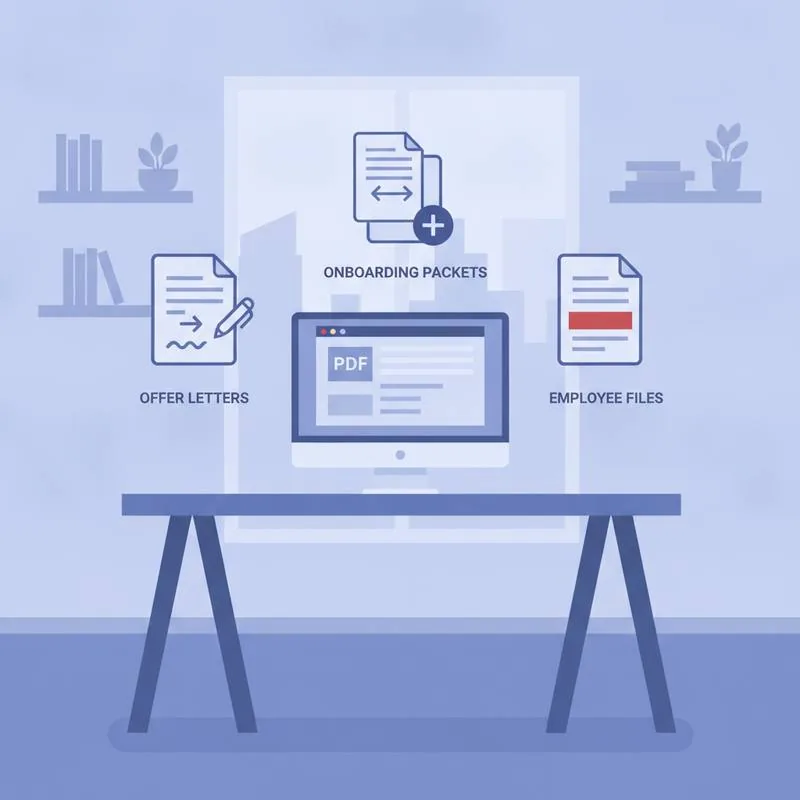
HR teams live in PDFs. Offer letters, employment contracts, tax forms, benefits enrollment, performance reviews, termination letters - Virtually every HR process produces or consumes a PDF. And in most HR departments, the workflow looks like this: create document in Word, export to PDF, email it, wait for the candidate to print it, sign it, scan it, and email it back - Hoping they have a scanner.
PDFBEAR gives HR teams three tools that eliminate the biggest time sinks in that workflow: eSign PDF, Merge PDF, and Redact PDF.
Workflow 1: Offer Letters and Employment Contracts
The offer letter workflow is where HR loses the most time. The document needs to be signed, but you can't afford for a candidate to edit the compensation figures, the start date, or the non-compete clause before returning it.
The PDFBEAR workflow:
- Prepare the offer letter - In Word, Google Docs, or any tool you already use
- Export to PDF (locking the layout and preventing accidental edits)
- Send via PDFBEAR's Share Document tool for a direct browser view link
- The candidate signs using eSign PDF directly in their browser - No app required, no printing
- The signed PDF lands back in your inbox in minutes
For contracts that need HR's countersignature, eSign PDF supports multiple signature fields - Both parties can sign the same document sequentially.
Workflow 2: Onboarding Packets
New employee onboarding typically involves 6–12 separate documents: employee handbook, tax withholding forms (W-4, state forms), direct deposit authorisation, benefits enrollment, IT policy acknowledgement, and NDA. Emailing these separately guarantees that at least one will be missed, lost, or returned incomplete.
The PDFBEAR workflow:
- Prepare each document as a separate PDF
- Use Merge PDF to combine all documents into a single, logically ordered onboarding packet
- Share the single combined PDF - One file, one link, no confusion about what's missing
- After signing, the packet goes into the employee file as a single complete document
Merge PDF lets you reorder pages before combining, so you can put the most urgent items (tax forms, direct deposit) at the front and reference materials (handbook) at the back.
Workflow 3: Employee File Sharing With Third Parties
HR regularly shares employee information with third parties: benefits providers, background check companies, payroll processors, auditors. The challenge is that the full employee file often contains sensitive information - Social Security Numbers, dates of birth, bank account details - That the third party does not need and should not receive.
Manually editing PDFs to remove sensitive fields is error-prone and time-consuming. PDFBEAR's Redact PDF tool permanently removes selected content - Not just covering it with a black box visually (which can sometimes be removed), but actually deleting the underlying text so it cannot be recovered.
What to redact before third-party sharing:
- Social Security Numbers (full or partial)
- Dates of birth
- Bank account and routing numbers
- Home addresses (when sharing with non-benefits parties)
- Salary information (when sharing with non-payroll parties)
Workflow 4: Job Descriptions and Benefit Summaries for Email
Job descriptions, benefits summaries, and company overviews sent by email often fail to reach candidates because they exceed attachment size limits or trigger spam filters. A PDF that includes HR photography, logo graphics, and rich formatting can easily reach 15–20 MB.
Use Compress PDF before sending. PDFBEAR's compressor reduces file size while preserving visual quality - A 20 MB HR pack typically compresses to under 2 MB without visible degradation.
HR Workflow Table
| HR Task | The Old Way | PDFBEAR Tool | Time Saved |
|---|---|---|---|
| Offer letter signatures | Print → sign → scan → email | eSign PDF | 20–45 min per hire |
| Onboarding packet | 6–12 separate email attachments | Merge PDF | 30 min per new hire |
| Sharing employee files | Manual editing to remove PII | Redact PDF | 15–30 min per request |
| Emailing job descriptions | File too large, bounced emails | Compress PDF | Eliminated failed sends |
| Policy acknowledgements | Physical signature sheets, filing | eSign PDF | 2–5 min per signature |
Why PDFBEAR Is Practical for HR Teams
HR tools need to work for the people on the other end, not just the HR team. A candidate receiving an offer letter should not need to create an account, download software, or navigate a complex interface to sign it. PDFBEAR tools work entirely in a web browser - On desktop, tablet, or mobile - With no installation required on either side.
PDFBEAR Premium unlocks higher file size limits and batch processing - Valuable for HR teams handling large employee populations or frequent hiring cycles. At $13.99/month or $99.99/year with a 7-day free trial, it's the cost of less than one hour of HR labour per month.
Compare PDF tools
 Continue with Google