Freelancers who get paid slowly usually have one thing in common: their paperwork is reactive, not proactive. Fixing your PDF workflow - Invoices, contracts, portfolios, and deliverables - Is the fastest way to close the gap between completing work and receiving payment.
- A fillable PDF invoice template with pdf-forms means you fill 4 fields and send - Not rebuild from scratch each time
- Clients who sign a contract before work starts almost always pay - ESign PDF makes it frictionless
- Compress PDF keeps your portfolio deck under email size limits without losing image quality
- Protect PDF locks deliverables so clients can review but not use them without paying
Professional PDF workflows don't just save time - They close the loopholes clients use to delay payment.
Why Freelancers Lose Money on Paperwork
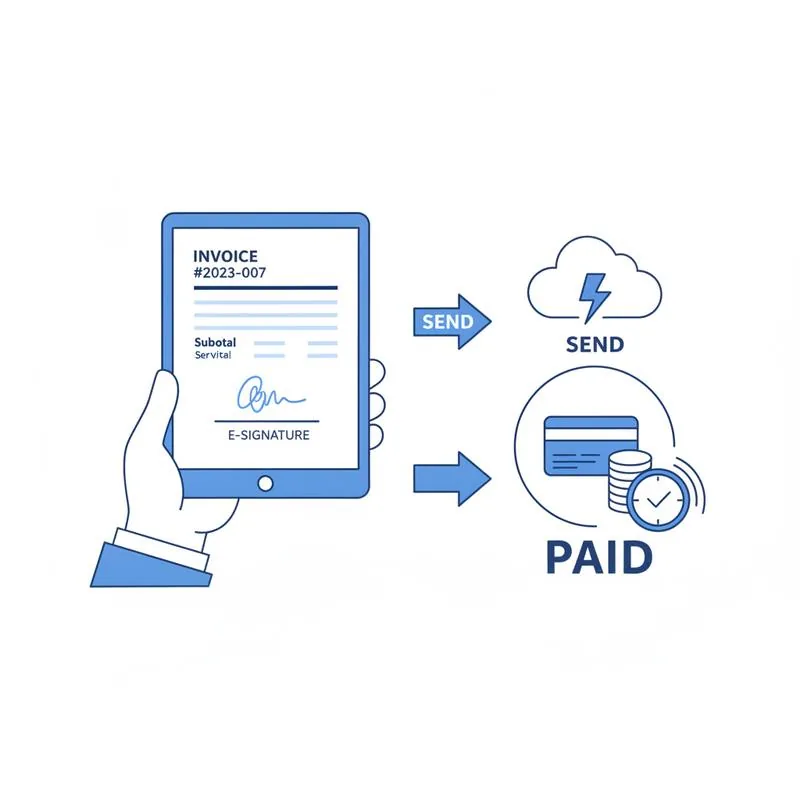
Unpaid invoices, scope creep, and slow-paying clients are the three biggest financial problems freelancers face. All three have a paperwork component that a better PDF workflow directly addresses.
The pattern is consistent: freelancers who send invoices quickly, collect signatures on contracts before starting work, and lock deliverables until payment get paid faster than those who don't. Not because clients are more honest - But because clear paperwork eliminates the ambiguity clients exploit, intentionally or not, to delay payment.
Step 1: Build a Reusable Invoice Template
Most freelancers either rebuild their invoice in Word every time (slow, inconsistent), use a basic template they fill manually (still slow), or pay for an invoicing SaaS they barely need. There's a better option: a fillable PDF invoice template using PDFBEAR's PDF Forms tool.
Create your invoice template once - With your business name, logo, bank details, and payment terms already in place as static content. Then add fillable fields for the parts that change:
- Client name and address
- Invoice number and date
- Project description and line items
- Amount due and due date
Next time you invoice a client, open the template, tab through the four fields, fill them in, and export. Two minutes, consistent professional appearance, same file structure every time. Clients who receive well-formatted, consistently structured invoices pay them faster - They don't feel like paperwork they can ignore.
Step 2: Get the Contract Signed Before You Start
The single most effective thing a freelancer can do to get paid is require a signed contract before doing any work. Not because clients are necessarily dishonest - But because "I'll pay you when the project is done" is an easy position to hold indefinitely when there's nothing in writing.
The friction of getting a contract signed used to be real: the client needed to print, sign, scan, and return it. Most freelancers gave up on contracts to avoid that friction. eSign PDF eliminates that friction entirely.
The workflow:
- Prepare your contract as a PDF (scope, deliverables, payment terms, late payment clause)
- Send via email or a share link
- Client opens it in their browser and signs with a click - No account, no download
- You receive the signed contract; work begins
With a signed contract that includes a late payment clause (e.g., "invoices unpaid after 30 days accrue 1.5% monthly interest"), clients have a financial incentive to pay on time.
Step 3: Compress Your Portfolio Before Sending
A portfolio PDF is your primary sales document. If it bounces back from a client's email server (too large), doesn't download (mobile connection), or opens slowly (50+ MB), you've lost the impression before they've seen a single page of your work.
Gmail limits attachments to 25 MB. Most corporate email systems are stricter. A design portfolio with high-resolution images can easily exceed this. PDFBEAR's Compress PDF tool reduces file size while preserving visual quality - A 40 MB portfolio typically compresses to under 5 MB without visible difference on screen.
Compress your portfolio once and save the compressed version for email. Keep the full-resolution version for final deliverables.
Step 4: Lock Deliverables Until Payment Clears
When you send final deliverables to a client before payment clears, you're trusting them to pay for something they already have. That trust is often misplaced - Not because clients are malicious, but because the urgency to pay disappears the moment they have the files.
Use PDFBEAR's Protect PDF to send a password-protected version of the deliverable. The client can open it, review it, and confirm it's correct - But they can't print, copy, or edit it until you provide the password. The password is the payment confirmation.
The workflow:
- Complete the project and prepare the final deliverable as a PDF
- Protect it with a password using Protect PDF
- Send the protected PDF with the message: "Here's the final file for your review. The full-access password will be provided when payment clears."
- Client confirms they're happy with the work; payment is made
- You send the password - 5 seconds, after the money is in your account
The "No Unpaid Invoice" Workflow
| Stage | Action | PDFBEAR Tool | Why It Matters |
|---|---|---|---|
| Before starting | Send and collect signed contract | eSign PDF | Legal commitment before work begins |
| On project completion | Send invoice immediately | PDF Forms template | Fast invoicing = fast payment |
| Sending deliverables | Lock with password | Protect PDF | Retains leverage until paid |
| Following up on overdue invoice | Reference signed contract | eSign PDF | Signed contract removes ambiguity |
| Pitching new clients | Send compressed portfolio | Compress PDF | Deliverable reaches the inbox |
One Last Thing: Keep Records
Every signed contract and every invoice should be kept as a PDF. PDFs are the accepted format for legal records, tax documentation, and dispute resolution. If a client disputes a payment, a signed PDF contract and PDF invoice trail is the evidence that ends the conversation quickly.
PDFBEAR keeps your files for 14 days on free accounts and for the duration of your subscription on Premium. For permanent storage, download each document after processing and save it to your own cloud storage or local drive. No tool - No matter how good - Should be your only backup for important financial documents.
Compare PDF tools
 Continue with Google