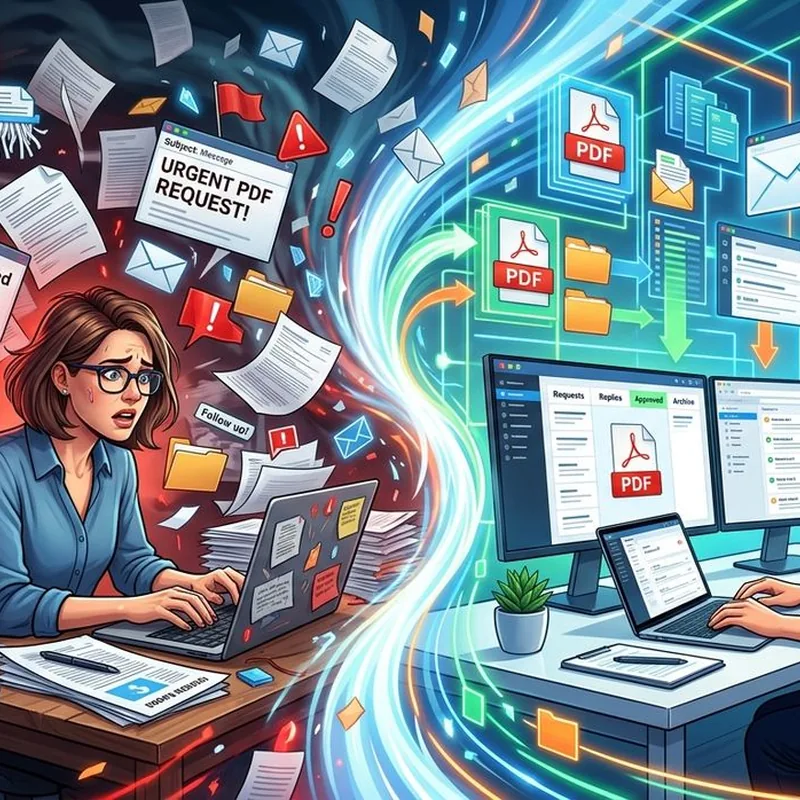
You convert the PDF in thirty seconds flat. Then you spend the next twenty minutes staring at a blank reply box, trying to figure out how to word your response without sounding rushed, cold, or dismissive. If that feels familiar, you are not alone. For anyone who regularly sends and receives documents over email, contracts, converted reports, signed forms, the conversion step is almost never where time gets lost. The email thread is.
The real bottleneck in document-heavy work is not the file itself, it is the back-and-forth that surrounds it.
- Most professionals spend more time composing document-related emails than converting the files themselves.
- A poorly worded reply can stall a deal or confuse a client, even when the attached PDF is perfect.
- Small tools that help you draft and check your tone can cut hours from your weekly email workload.
Why Documents Create So Much Email Traffic
The PDF format has been the standard for shareable, print-ready documents since Adobe introduced it in the early 1990s. Today it is everywhere. Contracts get signed and sent as PDFs. Reports get exported and converted before being attached. Forms get filled, compressed, and emailed in batches.
Each of those files starts or continues an email thread. And each thread demands something from you: a confirmation, a follow-up, a clarification, or a professional reply that moves things forward without creating friction. That is a lot of email to manage on top of the actual document work.
Studies on email communication patterns show that the average office worker sends and receives dozens of messages per day. For people who work with files and documents constantly, that number climbs even higher. You are not just managing a workflow. You are managing relationships through text, one reply at a time.
The Gap Between Converting and Communicating
Here is what most people overlook. The file conversion is the easy part. Tools like PDFbear make that step fast and repeatable. Upload, convert, download. Done in under a minute.
The part that slows everything down is what happens before and after the attachment. Someone emails you asking for a revised PDF version of a Word document. You convert it. Now you have to reply. What do you say? Do you attach the file and send "here it is"? Do you explain what changed? Do you ask for confirmation that it opened correctly?
These seem like small decisions. But they pile up fast. On a day when you have five or six document requests in your inbox, drafting thoughtful, professional replies for each one becomes a genuine time drain.
That is where a solid reply generator pays off. Instead of starting from scratch every time, you give it context about the request and it produces a clean, ready-to-send draft. You review it, tweak anything specific to your situation, and send. The whole process takes a fraction of the time it would otherwise.
What Document Emails Actually Require
Not all document-related emails are the same. Some are internal. Some go directly to clients. Some involve sensitive or legally binding files. Knowing what each type of email needs helps you avoid the most common mistakes.
Most document emails should cover these points:
- What you are sending and why it matters right now
- Whether anything changed since the last version the recipient saw
- What you need from them, if anything, and by when
- A clear next step so nobody is left guessing
That sounds simple. But in practice, people either write too little ("Please see attached") or too much, burying the key information in three paragraphs the recipient will skim past.
Tone Is Not a Nice-to-Have
Here is something that catches a lot of people off guard. You can send a perfectly formatted, error-free PDF and still lose a client's confidence based on a single sentence in your email.
Tone matters. Especially in professional email. A reply that reads as impatient, dismissive, or overly terse sends a message that has nothing to do with the file you attached. Before you fire off that email with a signed contract or a final deliverable, run your draft through a tone checker. It takes seconds and can flag phrasing that reads as passive-aggressive or cold, even when you did not intend it that way. A small adjustment, swapping "as I mentioned before" for "just to recap," can completely shift how a client reads your message.
This matters even more when the email involves money, legal documents, or anything with a deadline attached. The stakes are higher. The recipient is more likely to read into every word.
Building a Smarter Document Email Routine
The professionals who handle high document volumes without burning out usually have a system. They are not just faster at converting files. They are faster at everything around the file.
Here is a workflow that actually holds up under pressure:
- Batch your document requests. Check incoming file requests at set times rather than reacting to each one immediately. This keeps you in focused mode longer.
- Convert and name files consistently. Use a clear naming convention so recipients know exactly what they are opening without having to ask.
- Draft replies with a template or assistant. Reuse structure, not just phrases. A consistent reply format makes you look organized and saves real time.
- Check tone before sending anything client-facing. One pass through a tone tool takes ten seconds and prevents a lot of awkward follow-ups.
- Archive email threads by project or client. When someone asks for a revised version three weeks later, you will find everything fast.
When the Volume Gets Overwhelming
Some weeks are heavier than others. A product launch, a contract renewal cycle, a compliance deadline. Suddenly you are converting and sending twenty documents a day, each with its own thread.
During crunch periods, the email side of document work is where things fall apart. Replies get rushed. Tone gets clipped. Important context gets left out. Then a client asks a follow-up question you already answered three days ago, and now you are back in the inbox burning more time.
A few habits help during high-volume periods:
- Pre-write templates for your most common document replies, so you are editing rather than composing from scratch every time
- Set a two-sentence minimum for any file-sharing email, so nothing goes out too bare to be useful
- Flag emails that need careful thought before responding, rather than firing off a reply on the fly
Small habits like these reduce the cognitive load without adding much time to your day.
The Detail That Decides Whether Deals Move Forward
There is a version of this story where the PDF is perfect and the deal still stalls. The file is clean, the formatting is right, the content is exactly what was asked for. But the email that delivered it was abrupt, or confusing, or slightly off in tone. And now the client is hesitant, or they need clarification they should not have needed at all.
This happens more than most people realize. The document is the deliverable. The email is the relationship. Both have to be right.
When you treat email as just a wrapper for the attachment, you miss the fact that the person on the other end is reading it carefully. Especially for contracts. Especially for anything involving money or a deadline. The words around the file carry real weight.
What Stays in Your Control
You cannot control how fast a client responds. You cannot always control how many files land in your inbox on a given day. What you can control is the quality and speed of your own replies.
That means having the right tools in place before you need them. A reliable converter for the file itself. A drafting tool for the email around it. A tone pass before anything goes out to someone who matters.
The chaos in document-heavy work rarely comes from the documents themselves. It comes from the email traffic they generate and the time spent trying to respond to that traffic well. Fix the email side of this workflow, and the whole operation gets faster, smoother, and a lot less stressful.
 Continue with Google