Learn what OCR changes in a scan, what stays visible, the free guest and account limits, and when the PDFBEAR badge appears.
- A scan can look readable without containing text: A scanned PDF is often a collection of page images.
- What OCR changes and what it deliberately leaves alone: OCR changes the document's information layer rather than redesigning the visible page.
- The free limits are based on account level: Guests can process one OCR PDF up to 10 MB and 10 pages.
Use these checks before completing What Does Free OCR Do to a Scanned PDF?.
A scan can look readable without containing text
A scanned PDF is often a collection of page images. Your eyes recognize the letters, but the file may contain only pixels, so searching for a surname returns nothing and dragging across a sentence selects the whole page instead of individual words.
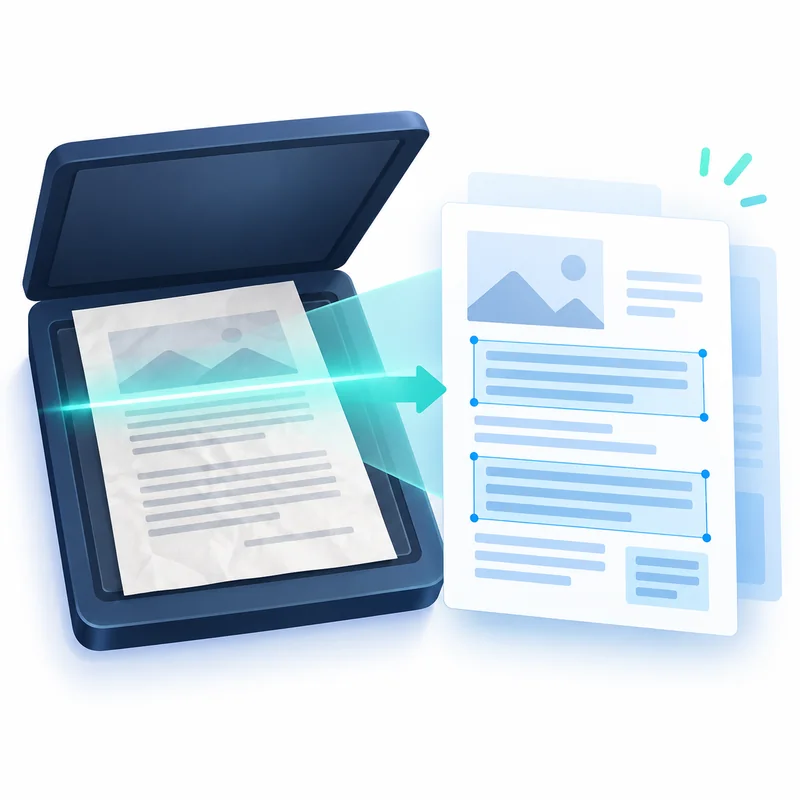
Optical character recognition analyzes those pixels and maps recognized characters back onto each page. The dedicated free OCR PDF tool adds that text as an invisible layer, which makes the document searchable and selectable without replacing the scan that you see.
What OCR changes and what it deliberately leaves alone
OCR changes the document's information layer rather than redesigning the visible page. Page dimensions, handwriting, stamps, signatures, photographs and the original printed appearance remain part of the page image. Recognized words sit in alignment with that image so a PDF viewer can find or copy them.
That distinction matters when a faithful visual record is more important than a flowing edit. Use OCR when you need search, selection, indexing or screen-reader access to printed words. If the goal is to rewrite paragraphs and move content, continue with PDF to Word after recognition instead of expecting the searchable PDF itself to behave like a word processor.
The free limits are based on account level
Guests can process one OCR PDF up to 10 MB and 10 pages. A registered free account raises the working limit to 50 MB and 30 pages. Premium supports files up to 90 MB and 150 pages. Longer files also take more time because each page must be rendered and recognized.
Guest and registered-free PDF output includes a small PDFBEAR free-version badge in the bottom-right corner. Premium output is clean. The badge does not replace page content or remove the searchable layer; it identifies the plan that produced the result. These limits and output rules are displayed beside the uploader before processing begins.
Recognition accuracy depends on the source page
Straight, high-contrast printed pages are easier to recognize than blurred phone photos, faint carbon copies or pages photographed at an angle. Small type, unusual fonts, dense tables and marks over characters can also produce substitutions, especially between similar shapes such as zero and the letter O.
Review important names, dates, totals and reference numbers against the visible scan. The guide to wrong letters after OCR explains the most common errors, while what optical character recognition is covers the underlying process in more depth.
Choose the next step from the result you need
Keep the OCR result as PDF when the original appearance is the record and searchability is the missing feature. Convert it to an editable document when paragraphs need revision. If the recognized file is too large for sharing, reduce image weight with Compress PDF while retaining the text layer.
Always keep the source scan until the recognized copy has been checked. OCR is a useful derivative that makes an archive easier to search, but the source remains the visual reference for any uncertain character or damaged portion of the page.
Decision table for What Does Free OCR Do to a Scanned PDF?
| Checkpoint | What to verify |
|---|---|
| A scan can look readable without containing text | A scanned PDF is often a collection of page images. |
| What OCR changes and what it deliberately leaves alone | OCR changes the document's information layer rather than redesigning the visible page. |
| The free limits are based on account level | Guests can process one OCR PDF up to 10 MB and 10 pages. |
| Recognition accuracy depends on the source page | Straight, high-contrast printed pages are easier to recognize than blurred phone photos, faint carbon copies or pages photographed at an angle. |
A reliable free OCR workflow
- Open the scan and confirm that normal text selection does not work.
- Upload the PDF to OCR PDF; no language selector is needed for its English and Chinese recognition.
- Download the searchable PDF and test several names, numbers and phrases.
- Compare material details with the source scan before archiving or sharing.
Workflow graph for What Does Free OCR Do to a Scanned PDF?
Review form for What Does Free OCR Do to a Scanned PDF?
Questions about What Does Free OCR Do to a Scanned PDF?
Does OCR replace the image of the page?
No. The original page image remains visible, and the recognized text is added as an aligned, invisible layer.
Can free OCR read handwriting?
The workflow is designed for printed or typed text. Handwriting recognition is unreliable and should not be treated as an accurate transcription.
Why is the free badge visible in the corner?
Guest and registered-free PDF output includes the PDFBEAR free-version badge. Premium removes that badge and supports larger documents.
 Continue with Google