PDF/A is an ISO-standardized version of PDF designed specifically for long-term archiving. Unlike regular PDFs, PDF/A files embed everything they need - Fonts, color profiles, metadata - So they remain readable decades from now without any external dependencies.
- PDF/A is defined by ISO 19005 and prohibits features that can break over time (encryption, JavaScript, external fonts).
- Three main variants: PDF/A-1b (visual fidelity), PDF/A-2 (layers, JPEG2000), PDF/A-3 (embedded file attachments).
- Required by courts, government agencies, and regulated industries for document submission and retention.
- Convert any regular PDF to PDF/A instantly with PDFBEAR PDF to PDF/A.
PDF/A is the archiving-safe version of PDF that outlives software versions, font licenses, and the internet itself.
What Is PDF/A? The ISO Standard Explained
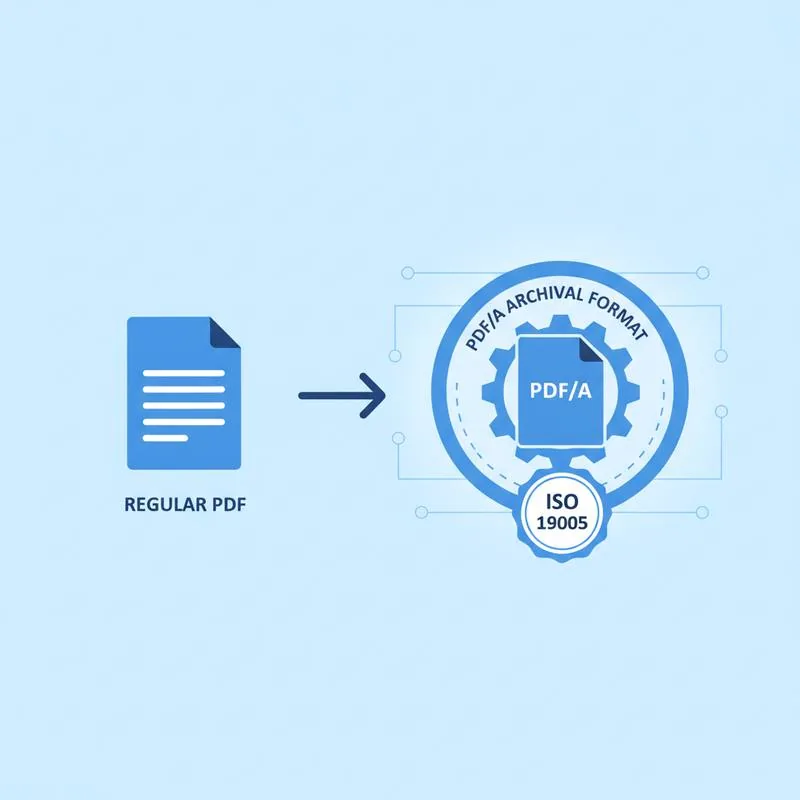
PDF/A stands for "PDF for Archiving." It is a subset of the PDF specification standardized by the International Organization for Standardization under ISO 19005. The standard was first published in 2005 (ISO 19005-1) in response to a growing need from government archives, courts, and regulated industries for a PDF format that would remain readable and reproducible without any external resources - Not now, not in 50 years.
The key insight behind PDF/A is simple: a regular PDF file might reference fonts installed on the creator's computer, link to web resources, or execute JavaScript that opens external databases. When the fonts are no longer licensed, the websites go offline, or the JavaScript engine changes, those PDFs can become partially or fully unreadable. PDF/A solves this by mandating that everything the document needs to render correctly must be physically embedded inside the file itself.
What PDF/A Prohibits - And Why
The ISO 19005 standard works by restricting features of the PDF specification that introduce external dependencies or unpredictable rendering behaviour. The prohibitions are not arbitrary - Each one addresses a specific archival risk:
| Feature | Allowed in Regular PDF | Allowed in PDF/A | Reason for Restriction |
|---|---|---|---|
| Encryption / password protection | Yes | No | Future software may not decrypt; file becomes unreadable |
| JavaScript | Yes | No | Scripts depend on runtime environments that change |
| External font references | Yes | No | Fonts may be removed, relicensed, or unavailable |
| External content links | Yes | No | URLs rot; linked content may disappear |
| Embedded multimedia (audio/video) | Yes | No (A-1/A-2) | Media players and codecs become obsolete |
| Transparency (live) | Yes | Limited | Rendering ambiguities across viewers |
| ICC color profiles embedded | Optional | Required | Ensures color accuracy on any device |
| XMP metadata block | Optional | Required | Enables automated cataloguing and discovery |
The PDF/A Sub-Standards: A-1, A-2, and A-3
PDF/A is not a single format - It has evolved through three generations, each adding capabilities while maintaining the core archival principle of self-containment:
PDF/A-1 (ISO 19005-1, 2005) is the original and strictest version. It comes in two conformance levels: A-1b (Basic), which guarantees the visual appearance of the document will be preserved, and A-1a (Accessible), which additionally requires a logical document structure and tagged content so screen readers can parse the document. Most archiving requirements that simply say "PDF/A" mean A-1b.
PDF/A-2 (ISO 19005-2, 2011) is based on PDF 1.7 and adds support for optional content layers (so you can archive layered technical drawings), JPEG2000 image compression (for better quality at smaller file sizes), and digital signatures. It also permits embedding other PDF/A files as attachments.
PDF/A-3 (ISO 19005-3, 2012) is identical to PDF/A-2 but lifts one restriction: it allows any type of file (not just PDF/A files) to be embedded as an attachment. This is used in e-invoicing standards like ZUGFeRD and Factur-X, where an XML invoice is embedded inside a PDF/A-3 visual document.
When Are You Required to Use PDF/A?
Depending on your industry or jurisdiction, PDF/A may not just be a best practice - It may be a legal or regulatory requirement.
Courts and legal filings. The US federal court system (PACER/CM-ECF) and many state courts require documents to be submitted as PDF/A. The same applies to courts in Germany (EGVP system), the Netherlands, and several other EU member states that have adopted e-filing standards mandating PDF/A-1 or PDF/A-2.
Government and public sector. The EU's eIDAS Regulation and Public Sector Information Directive both reference PDF/A for the long-term preservation of government records. In Germany, the "E-Rechnungsverordnung" (e-invoicing regulation) for public sector suppliers requires ZUGFeRD or XRechnung formats based on PDF/A-3.
Healthcare and life sciences. The US Food and Drug Administration (FDA) recommends PDF/A for electronic regulatory submissions. The International Council for Harmonisation (ICH) guidelines for pharmaceutical submissions also reference PDF/A.
Finance and insurance. Many financial regulators require records to be kept in non-alterable, long-term formats. PDF/A satisfies these requirements for account statements, contracts, and correspondence that must be retained for 7–10 years.
Tax authorities. Several tax authorities, including those in Germany (GoBD guidelines) and Portugal, explicitly require PDF/A for digitized paper documents to be accepted as legally valid replacements for the original.
How to Create or Convert to PDF/A
The easiest way to convert an existing PDF to PDF/A is to use PDFBEAR's PDF to PDF/A tool. Upload your document, select the target conformance level (typically PDF/A-1b for broad compatibility), and download the converted file. PDFBEAR embeds all referenced fonts, converts colors to device-independent color spaces, strips prohibited features, and writes the required XMP metadata block - All automatically.
If your source PDF is encrypted (password-protected), you will need to remove the password first using Unlock PDF before converting, because PDF/A does not permit encryption. If the source PDF uses embedded JavaScript or external links, those elements will be stripped during conversion - This is expected and correct behaviour for an archival format.
For new documents, generate PDF/A directly from your authoring tool: Microsoft Word's "Save as PDF" dialog has a PDF/A-1a option under "PDF Options," and LibreOffice's export dialog offers PDF/A-1b, A-2, and A-3 choices.
Compare PDF tools
Convert, Check and Keep the Evidence
Create the archive copy with PDF to PDF/A and run the result through the PDF/A Checker before delivery. Keep the original and the checked archive copy together, especially for workflows covered in the guide to PDF versus PDF/A for records retention.
 Continue with Google